Rate it without leaving the video
A star button sits in YouTube's own row, next to Like and Share. Five stars, half steps, the same scale Letterboxd uses. Finish something without rating it and Numinous asks once, then leaves you alone.

Rate videos on YouTube, and they show up on your Letterboxd profile. Anyone with Numinous sees them. Same account, same people you follow.
What it does
A star button sits in YouTube's own row, next to Like and Share. Five stars, half steps, the same scale Letterboxd uses. Finish something without rating it and Numinous asks once, then leaves you alone.
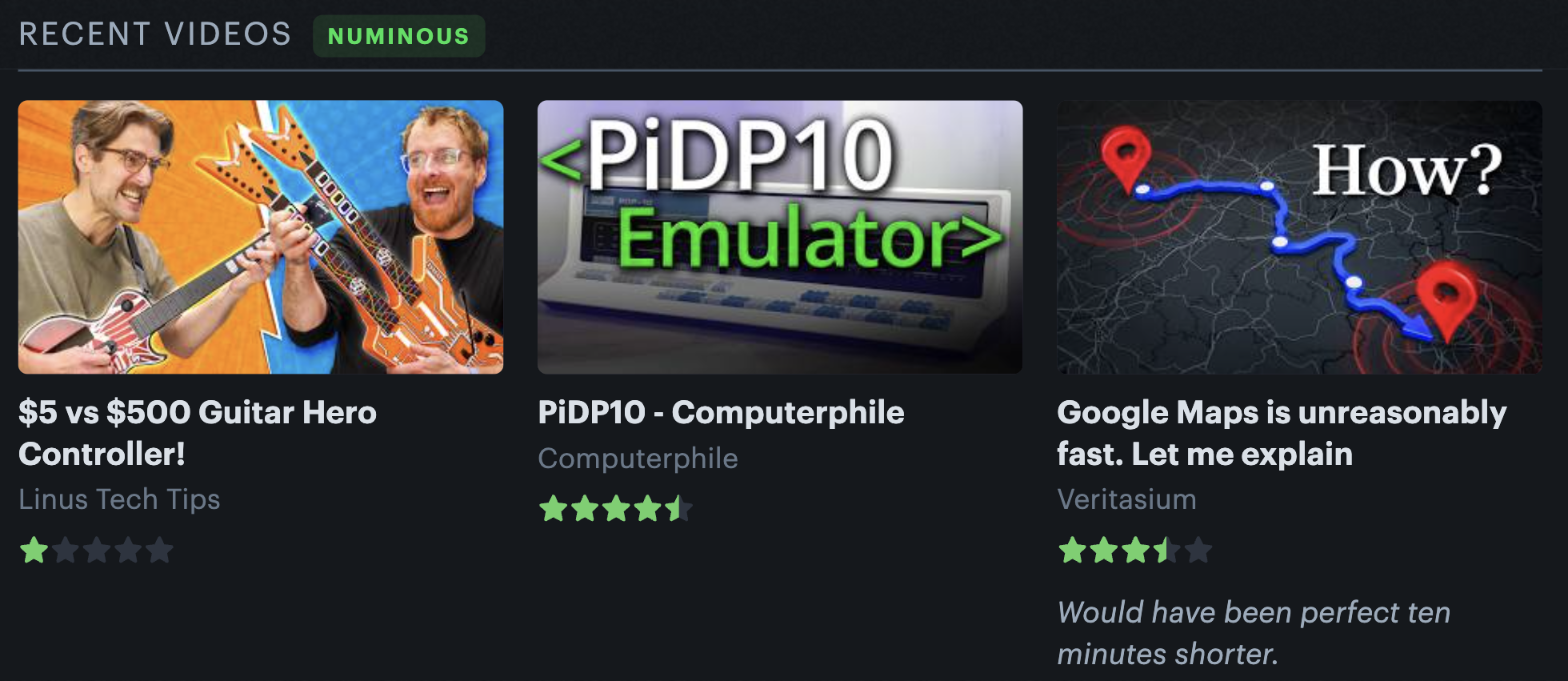
Numinous adds a videos count and an average to your profile statistics, and a Recent videos section under your favourites. Everything you have rated gets its own page, sorted by date, rating, title or length. Same grid, same type, same spacing: it reads as part of the page because it is built out of the page's own markup.

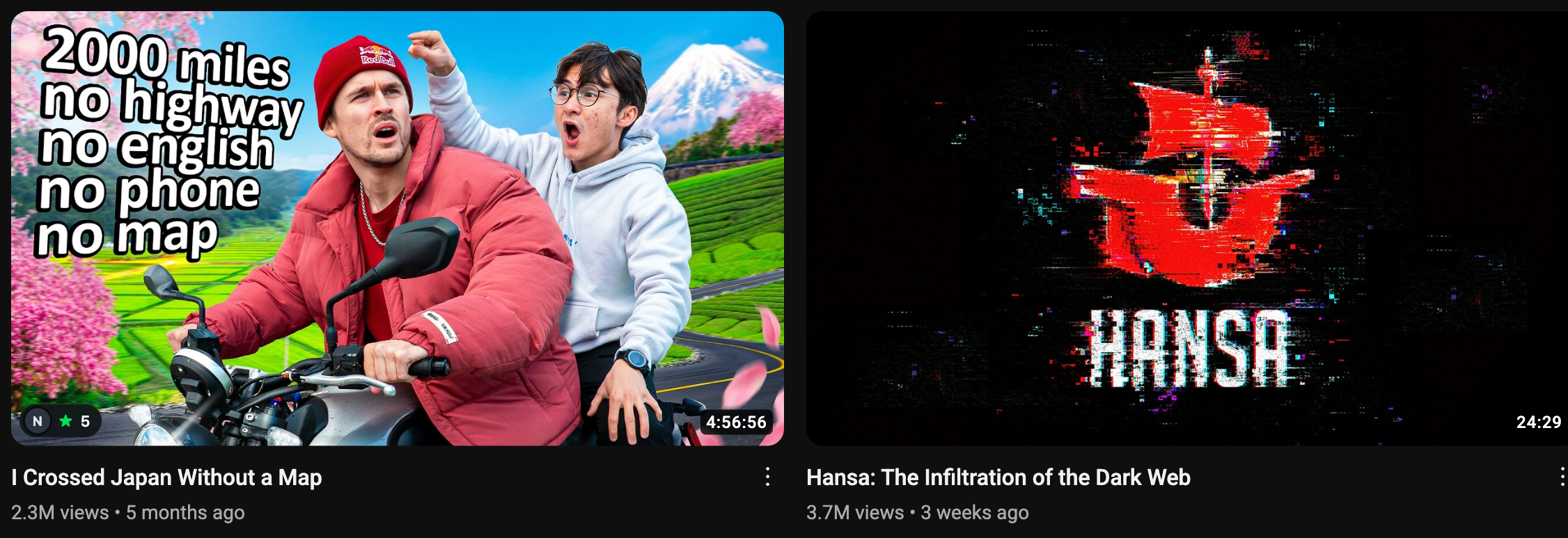
Numinous reads who you follow on Letterboxd, then marks the thumbnails they have rated: on the home feed, in search, and on the watch page. A face you recognise tells you more than a number from strangers.
After you install
Click the puzzle piece at the top right of Chrome, then the pin beside Numinous. That button rates whatever is on screen.
Numinous reads which account is signed in and picks up who you follow, straight from the page. Nothing to type, no password, no signup, and no account of ours in between. To prove the account is yours it creates a one-film list on your profile and deletes it a couple of seconds later; you will not have to do anything.